Sinlib Documentation
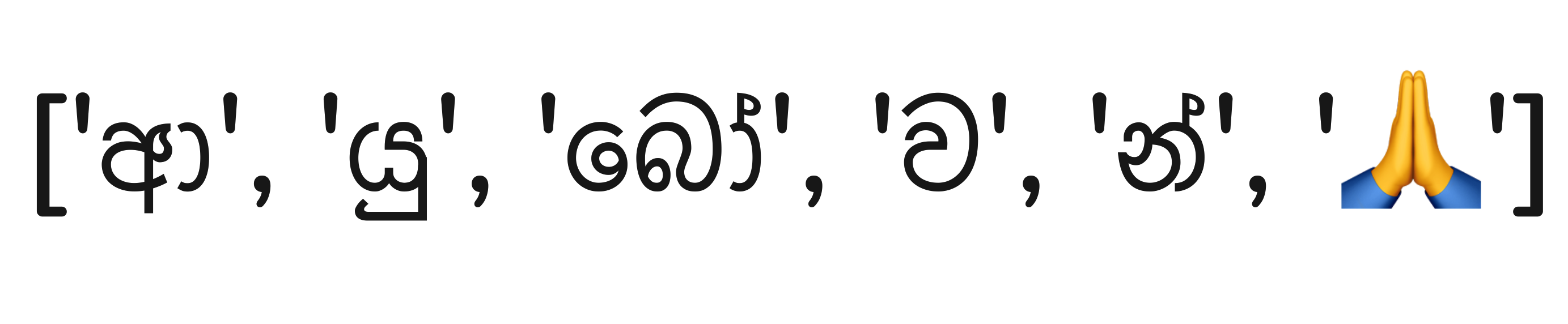
Welcome to the Sinlib documentation. This library provides a toolkit for working with Sinhala text data, including advanced character-level tokenization for the Sinhala language. Additionally, you can find other utilities such as transliteration, romanization, ASR, typo correction, and more.
Table of Contents
- Installation
- Advanced Character Level Tokenization
- Transliteration
- Romanization
- ASR
- Typo Correction
- Utilities
- Contributing
- License
Installation
You can install Sinlib using pip:
Advanced Character Level Tokenization
Sinlib provides advanced character-level tokenization for the Sinhala language. Instead of using traditional character-level tokenization, this library employs a more advanced tokenization algorithm. The core idea of this algorithm is to split a given text into meaningful character units.
Sinhala has a rich character set. For example, the word "ආයුබෝවන්" is more meaningful when split into [ආ, යු, බෝ, ව, න්] rather than ['ආ', 'ය', 'ු', 'බ', 'ෝ', 'ව', 'න', '්']. This approach is particularly helpful when working on ASR (Automatic Speech Recognition) or TTS (Text-to-Speech) tasks.
Once you have initialized the tokenizer you can train it on your data or use the default tokenizer.To use the default tokenizer you can use the following code:
This will load the default tokenizer, which can handle most of the Sinhala corpus you will encounter. In addition to Sinhala characters, the default tokenizer also includes punctuation marks and numbers. However, if you need more control over tokenization, you can train your own tokenizer using the following code: Once you have trained your own tokenizer you can use it to tokenize your data. To tokenize your data you can use the following code: If you need to save the tokenizer you can use below code to preserve learned vocabulary.Transliteration
Coming soon
Romanization
Coming soon
ASR
Coming soon
Typo Correction
We offer basic typo correction functionality. For simplicity, we currently use an n-gram language model. To use the typo correction functionality, you can use the following code:
from sinlib.spellcheck import TypoDetector
typo_corrector = TypoDetector()
typo_corrector("අපකරියට ගිය")
# 'අපකීර්තියට ගිය'
Utilities
Coming soon
Contributing
Contributions are welcome! Please feel free to submit a Pull Request.
License
This project is licensed under the MIT License - see the LICENSE file for details.